





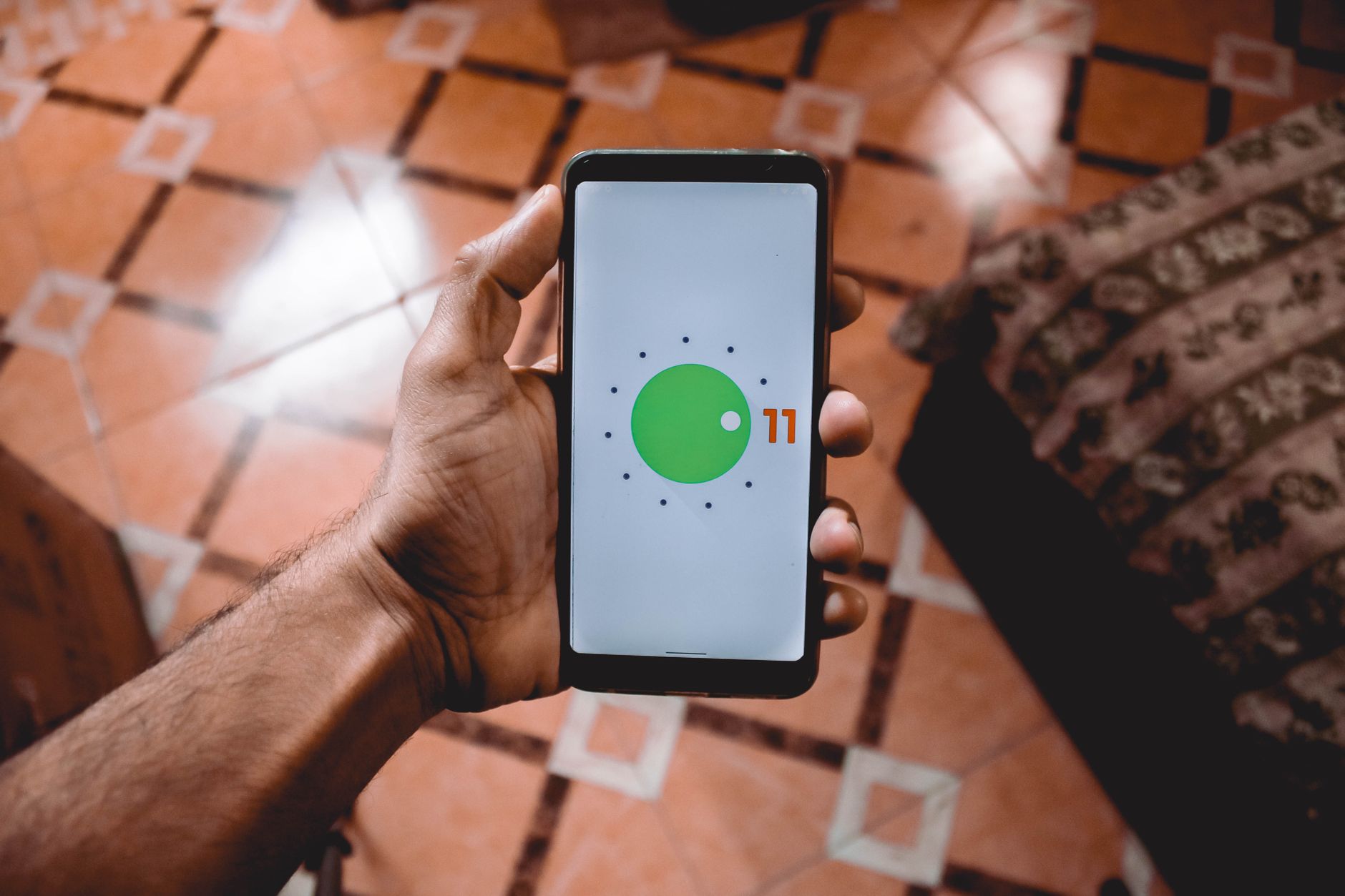
One UI 9 update is now rolling out to Galaxy S23 series in South Korea, bringing exciting new features and improvements based on Android 17.
Overview of One UI 9
The highly anticipated One UI 9 update has begun to roll out for the Galaxy S23 series in South Korea, bringing significant enhancements and new features to Samsung’s flagship devices. This update is based on Android 17, which promises to elevate the user experience with improved performance and functionality.
One of the standout features of the One UI 9 update is its refined user interface, designed to make navigation smoother and more intuitive. Users can expect a more cohesive look, with updated icons and enhanced widgets that provide a better glimpse into app functionalities right from the home screen.
Additionally, the update includes:
- Performance improvements: Enhanced speed and responsiveness, allowing apps to launch and run more efficiently.
- New customization options: More themes and color palettes to personalize the device according to individual preferences.
- Privacy features: Advanced controls for managing app permissions and data security.
- Enhanced multitasking: Improved split-screen capabilities, making it easier to use multiple apps simultaneously.
With these upgrades, the One UI 9 update is expected to solidify the Galaxy S23’s position as one of the best Android devices available, offering an exceptional blend of performance and user-centric features.
Features of Android 17
The recent rollout of the One UI 9 update brings a host of new features designed to enhance the user experience on the Galaxy S23 series. This latest iteration of Samsung’s software is built on Android 17, offering several significant improvements and functionalities.
One of the standout features is the enhanced multitasking capability. Users can now seamlessly run multiple applications side by side, making it easier to juggle tasks without missing a beat. Additionally, the improved notification management allows for more organized alerts, ensuring that important messages are prioritized.
Another notable addition is the refined customization options. With One UI 9, users can personalize their devices more than ever, from themes to icon styles. This flexibility enables individuals to create a unique look that reflects their personality.
Furthermore, advancements in privacy and security are a key focus in this update. Users now have greater control over their data and can manage app permissions more effectively. Samsung has also included new privacy indicators that inform users when apps are accessing sensitive information.
Overall, the One UI 9 update not only enhances the functionality of the Galaxy S23 series but also ensures a more secure and personalized user experience through the capabilities of Android 17.
User Reactions to the Update
User reactions to the One UI 9 update have been overwhelmingly positive, particularly among Galaxy S23 users. Many have taken to social media to express their excitement and satisfaction with the new features and enhancements that come with this latest version of Samsung’s user interface.
Notably, users have highlighted several aspects that they find particularly appealing:
- Improved User Interface: The redesigned layout and smoother animations have contributed to a more enjoyable user experience.
- Enhanced Customization: Many users appreciate the increased options for personalizing their devices, allowing for greater expression of individuality.
- Performance Boost: Several reports indicate that the One UI 9 update provides faster app launches and overall improved system performance.
- New Privacy Features: Users have welcomed the enhanced privacy controls, which give them more power over their data and app permissions.
Despite the many positive reviews, some users have experienced minor bugs that they hope will be addressed in future updates. Overall, the sentiment surrounding the One UI 9 update reflects a strong approval from the Galaxy S23 community, with many considering it the best Android 17 upgrade yet.
How to Install One UI 9
Installing the One UI 9 update on your Galaxy S23 is a straightforward process. Samsung has made it easy for users to access the latest features and enhancements that come with this Android 17 upgrade. Here’s a step-by-step guide to help you through the installation process:
- Check Compatibility: Ensure your Galaxy S23 is eligible for the update. The One UI 9 update is rolling out specifically for the Galaxy S23 series.
- Backup Your Data: Before proceeding with the installation, it’s advisable to back up your important data to avoid any loss during the update process.
- Connect to Wi-Fi: To prevent excessive data usage, connect your device to a stable Wi-Fi network. This will also ensure a faster download speed.
- Access Settings: Go to your device’s Settings menu, scroll down to Software Update, and tap on it.
- Download and Install: If the One UI 9 update is available, you will see a prompt. Tap on Download and follow the on-screen instructions to install.
Once the installation is complete, your device will restart, and you can start exploring the new features that One UI 9 has to offer!
Photo by Zain Ali on Pexels
References
You might also like
ASML Holding NV rating: Berenberg’s Proven Buy Rating · Maharashtra age limit: Is it the right move for education? · Threadlike motor clothing: Is it the best innovation yet?